
Stream Deck Plugin Clean Reinstall
Clean Reinstall / Repair a Stream Deck Plugin
Try the following steps
- Install the latest version of the Stream Deck Software ➜ Elgato Downloads
- Uninstall the plugin inside the Stream Deck Software
➜ If the plugin cannot be uninstalled, simply continue with the next steps.
- Completely close the Stream Deck Software by right-clicking the Stream Deck icon in the Windows system tray and exiting the application.

- Press Windows Key + R, paste the following path and press Enter:
%appdata%\Elgato\StreamDeck\Plugins\
This opens the Stream Deck plugin folder directly. You do not need to manually locate the hidden AppData folder. - Delete the com.vivremotion.PluginName.sdPlugin plugin folder, if it is still available.
Sometimes the Stream Deck uninstall or update process cannot completely remove all plugin files.
➜ If the folder cannot be deleted, continue with the next step. -
Only if the plugin folder cannot be deleted: Remove the plugin using the Plugin Eraser.
If the plugin is listed multiple times in the Plugin Eraser Tool, remove all listed instances.
The Plugin Eraser helps completely remove Stream Deck plugins that can no longer be uninstalled normally. - If you used the Plugin Eraser Tool, restart Windows.
After restarting, check that the affected plugin folder has been completely removed. - Reinstall the plugin from your Personal Library in the Elgato Marketplace.
- Launch the Stream Deck Software and check whether the plugin now loads and works correctly.
Still having problems?
Check whether your antivirus or security software has blocked or quarantined files belonging to the plugin.
Optional: If necessary, add the affected plugin folder to your antivirus exclusion list:
%appdata%\Elgato\StreamDeck\Plugins\com.vivremotion.PluginName.sdPlugin\
Some antivirus applications may incorrectly identify individual DLL or EXE files as potentially harmful and block or remove them.
Plugins Portfolio
-
Vendor:vivre-motion - VM-70007
MOUSE POINTER SPOTLIGHT for Windows
- Regular price
- € 0,00 EUR
- Regular price
-
€ 19,00 EUR - Sale price
- € 0,00 EUR
- Unit price
- per
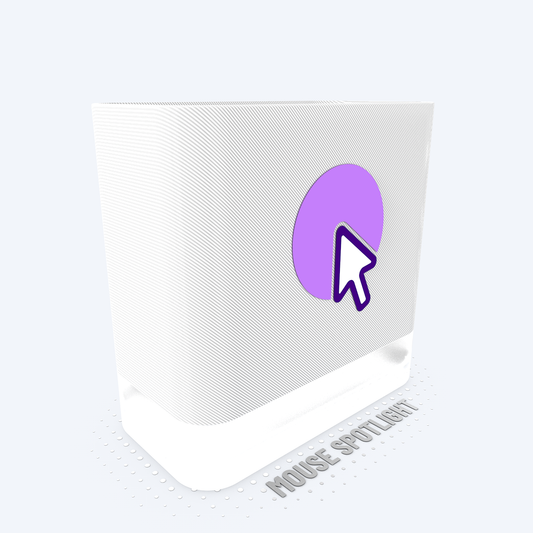
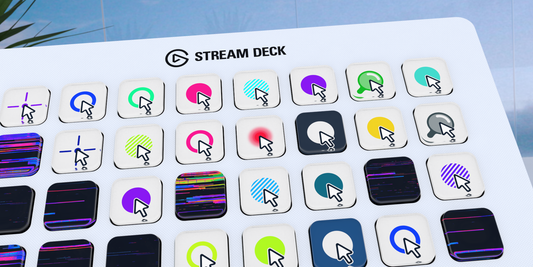 Sale
Sale -
Vendor:vivre-motion - VM-70009
PHANTOM MOUSE Stream Deck Plugin
- Regular price
- € 0,00 EUR
- Regular price
-
€ 19,00 EUR - Sale price
- € 0,00 EUR
- Unit price
- per
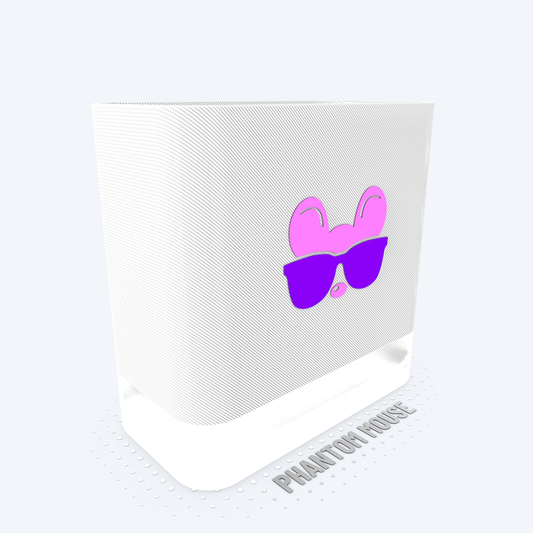
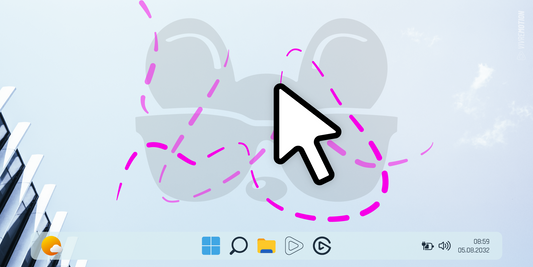 Sale
Sale -
Vendor:vivre-motion - VM-70017
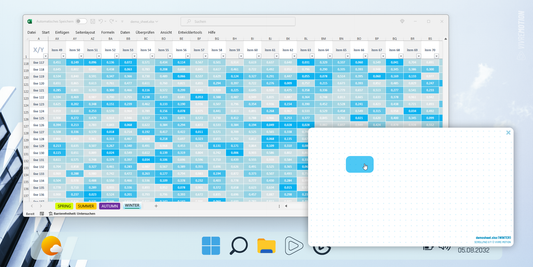
Excel X/Y ScrollPad Navigation for Windows | Stream Deck Plugin
- Regular price
- € 0,00 EUR
- Regular price
-
€ 19,00 EUR - Sale price
- € 0,00 EUR
- Unit price
- per
 Sale
Sale -
Vendor:vivre-motion - VM-70012
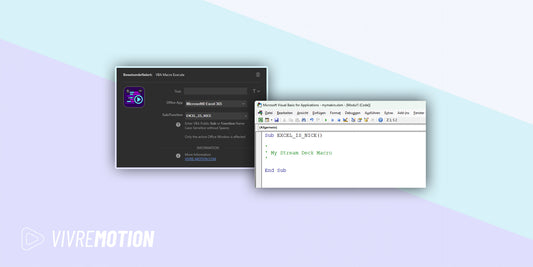
VBA Macro Execute for Windows | Stream Deck Plugin
- Regular price
- € 0,00 EUR
- Regular price
-
€ 19,00 EUR - Sale price
- € 0,00 EUR
- Unit price
- per
 Sale
Sale -
Vendor:vivre-motion - VM-70008
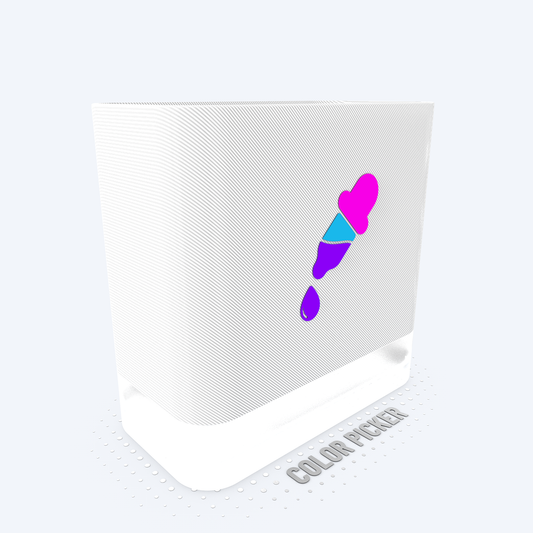
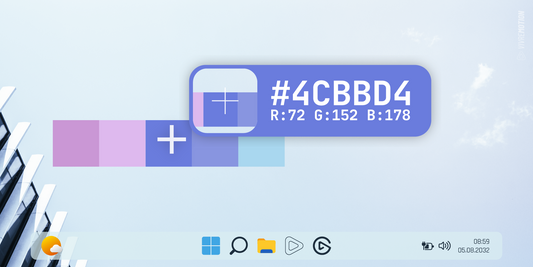
COLOR PICKER for Windows | Stream Deck Plugin
- Regular price
- € 0,00 EUR
- Regular price
-
€ 19,00 EUR - Sale price
- € 0,00 EUR
- Unit price
- per
 Sale
Sale -
Vendor:vivre-motion - VM-70052
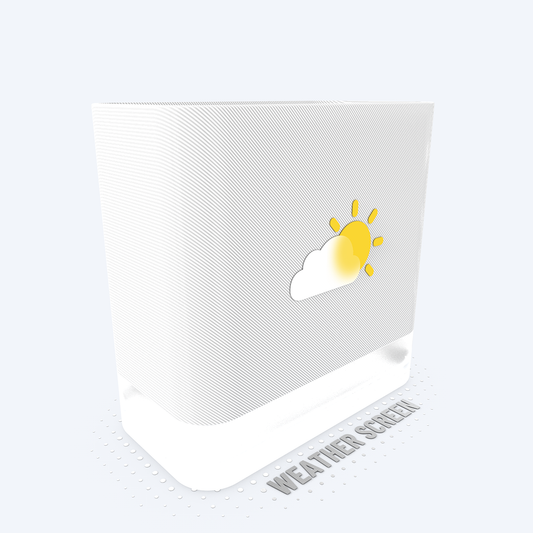
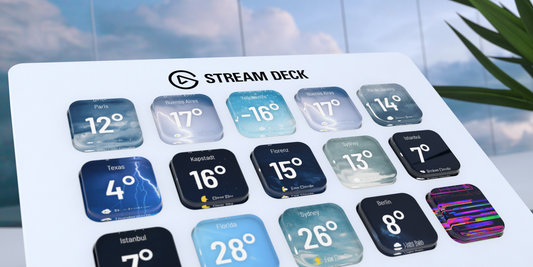
WEATHER SCREEN APP for Windows | Stream Deck Plugin
- Regular price
- € 0,00 EUR
- Regular price
-
€ 19,00 EUR - Sale price
- € 0,00 EUR
- Unit price
- per
 Sale
Sale -
Vendor:vivre-motion - VM-70003
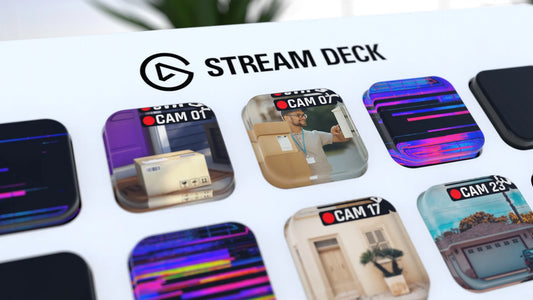
CCTV IP Camera Viewer for Windows | Stream Deck Plugin
- Regular price
- € 0,00 EUR
- Regular price
-
€ 19,00 EUR - Sale price
- € 0,00 EUR
- Unit price
- per
 Sale
Sale -
Vendor:vivre-motion - VM-70039
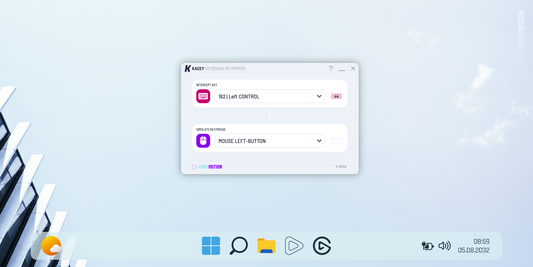
KACEY Keyboard Re-Mapper for Windows | Stream Deck Plugin
- Regular price
- € 0,00 EUR
- Regular price
-
€ 19,00 EUR - Sale price
- € 0,00 EUR
- Unit price
- per
 Sale
Sale -
Vendor:vivre-motion - VM-70013
MATRIX CODE 8K DIGITAL RAIN for Windows | Stream Deck Plugin
- Regular price
- € 0,00 EUR
- Regular price
-
€ 12,00 EUR - Sale price
- € 0,00 EUR
- Unit price
- per
 Sale
Sale -
Vendor:vivre-motion - VM-70059
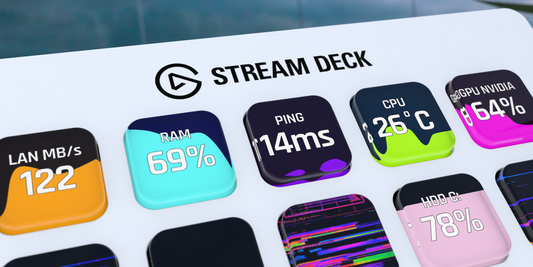
SYSTEM VITALS for Windows | Stream Deck Plugin
- Regular price
- € 0,00 EUR
- Regular price
-
€ 19,00 EUR - Sale price
- € 0,00 EUR
- Unit price
- per
 Sale
Sale -
Vendor:vivre-motion - VM-70014
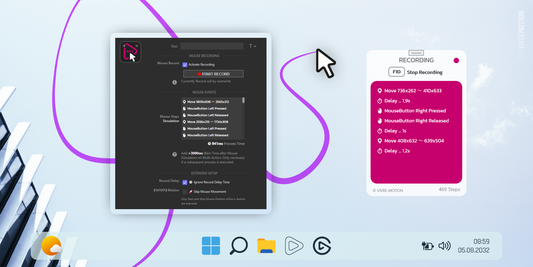
MOUSE SIMULATOR for Windows | Stream Deck Plugin
- Regular price
- € 0,00 EUR
- Regular price
-
€ 19,00 EUR - Sale price
- € 0,00 EUR
- Unit price
- per
 Sale
Sale -
Vendor:vivre-motion - VM-70010
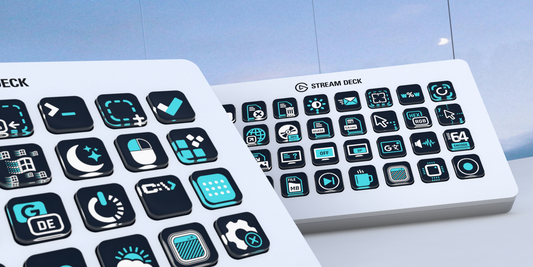
WINDOWS COCKPIT ᴾᴿᴼ for Windows | Stream Deck Plugin
- Regular price
- € 10,00 EUR
- Regular price
-
€ 19,00 EUR - Sale price
- € 10,00 EUR
- Unit price
- per
 Sale
Sale
