
System Vitals Informations
System Vitals – Core Information
On Windows, there is no unified, complete, or fully consistent API for accessing all hardware and system metrics. Neither Windows itself nor CPU or GPU vendors expose a single standardized interface covering all relevant sensors. As a result, virtually all monitoring tools rely on workarounds, indirect access paths, or privileged components — which inevitably leads to deviations, limitations, and trade-offs.
This becomes especially critical for metrics such as CPU temperature, which in most cases require Ring-0 (kernel-mode) access. The sections below explain why this is a non-trivial, security-critical problem and why certain design decisions were made in System Vitals.
Different System Values and Measurement Models
Differences between the values shown by the plugin and those reported by Windows Task Manager are most noticeable for GPU and VRAM metrics. These differences are generally not caused by display latency, but by different data sources, counters, and calculation models.
- Windows Task Manager: relies on Windows-internal performance counters exposed through WDDM and kernel schedulers, often aggregated, smoothed, or averaged over time.
- System Vitals: reads hardware- or driver-level data where available, using different sampling intervals, rounding behavior, and definitions of utilization.
- Result: values may differ even though both tools are technically correct within their own measurement model.
- More Information: The plugin always displays information under "More Information" about where and how the value is calculated.
CPU Temperature: Ring-0 or Nothing
Reliable CPU temperature readings on Windows are almost always tied to Ring-0 access. Many relevant sensors (MSRs, PECI, SMBus, embedded controllers, platform-specific registers) are either completely inaccessible or unreliable from User Mode (Ring-3).
- No standardization: Sensor layouts, registers, scaling factors, and offsets differ between vendors, CPU generations, and even individual models.
- Vendor-specific logic: Intel, AMD, and board manufacturers apply proprietary correction logic (e.g. Tctl vs. Tdie), often without complete public documentation.
- Privilege requirements: Accurate readings require direct access to privileged registers or buses, which is only possible through kernel-mode code.
Why Shipping a Custom Ring-0 Driver Is Extremely Problematic
Implementing native CPU temperature support would require System Vitals to load and manage its own kernel-mode (Ring-0) driver. This means executing code with full system privileges inside the operating system kernel.
- System-wide impact: Any defect in kernel code does not just affect the plugin, but can destabilize or crash the entire system.
- Security risk: Ring-0 drivers are a prime attack vector for malware, as they can bypass security boundaries and enable privilege escalation.
- Antivirus / EDR sensitivity: Self-loaded or unknown kernel drivers are treated as highly suspicious by antivirus and endpoint security solutions and are frequently blocked or quarantined.
- Whitelisting requirements: To be usable at scale, such a driver would need to be explicitly whitelisted by multiple AV vendors — an ongoing and non-trivial process.
- Certification & signing: Kernel drivers require EV code signing, Microsoft driver signing, and compatibility with Secure Boot, HVCI, and Kernel Mode Code Integrity (KMCI).
- Administrative privileges: Installation and operation require elevated rights, which is unacceptable in many user and enterprise environments.
Maintenance Cost: New CPUs, New Problems
Taking full ownership of CPU temperature handling also implies taking responsibility for continuous platform maintenance.
- New CPU generations: Every new Intel or AMD architecture can introduce new sensor layouts, registers, or thermal behavior.
- Microcode & firmware changes: BIOS updates and CPU microcode patches can change how temperatures are reported or corrected.
- Vendor quirks: Board manufacturers may expose or hide sensors differently, requiring model-specific logic and exceptions.
- Constant updates: The plugin would need frequent updates just to remain compatible with newly released CPUs and platforms.
At that point, the plugin would effectively need to evolve into a full-scale hardware monitoring project, with all associated maintenance, validation, and support overhead.
Driver Lifecycle: Updates and Uninstallation
Kernel drivers fundamentally break the simple lifecycle expected from a plugin:
- Drivers may not unload cleanly while references or handles are active.
- Plugin updates can fail if kernel components are still loaded or blocked by security software.
- Uninstallation can leave residual drivers behind, requiring manual cleanup or system restarts.
For a Stream Deck plugin that is expected to update seamlessly and uninstall cleanly, this is not acceptable.
LibreHardwareMonitor as a Controlled Compromise
To provide CPU temperature data at all, System Vitals may rely on LibreHardwareMonitor in certain configurations.
- Established Ring-0 components with known behavior.
- Existing signing and distribution mechanisms.
- Broad hardware coverage built over years of development.
While not ideal, this approach is significantly safer and more maintainable than shipping a custom kernel driver inside the plugin.
Conclusion
- Hardware monitoring on Windows is fragmented and inherently inconsistent.
- Accurate CPU temperature readings typically require Ring-0 access.
- Custom kernel drivers are security-critical, AV-relevant, and expensive to maintain.
- Stability, security, and updateability take precedence over “perfect” sensor data.
System Vitals follows a clear principle: no experimental kernel drivers inside a plugin — even if that means certain metrics are not optimal or identical on every system.
Plugins Portfolio
-
Vendor:vivre-motion - VM-70007
MOUSE POINTER SPOTLIGHT for Windows
- Regular price
- € 0,00 EUR
- Regular price
-
€ 0,00 EUR - Sale price
- € 0,00 EUR
- Unit price
- per
-
Vendor:vivre-motion - VM-70037
PANIC BUTTON for Windows | Stream Deck Plugin
- Regular price
- € 0,00 EUR
- Regular price
-
€ 19,00 EUR - Sale price
- € 0,00 EUR
- Unit price
- per
 Sale
Sale -
Vendor:vivre-motion - VM-70048
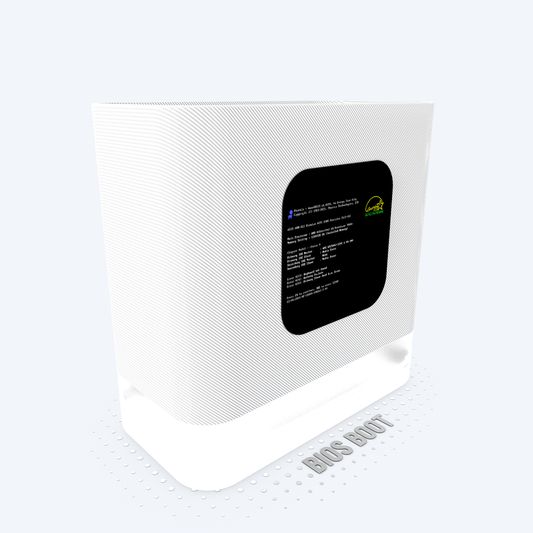
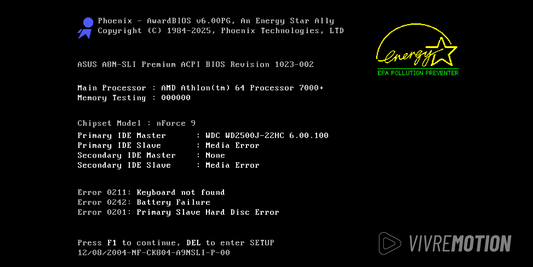
BIOS BOOT SIMULATOR for Windows
- Regular price
- € 0,00 EUR
- Regular price
-
€ 19,00 EUR - Sale price
- € 0,00 EUR
- Unit price
- per
 Sale
Sale -
Vendor:vivre-motion - VM-70049
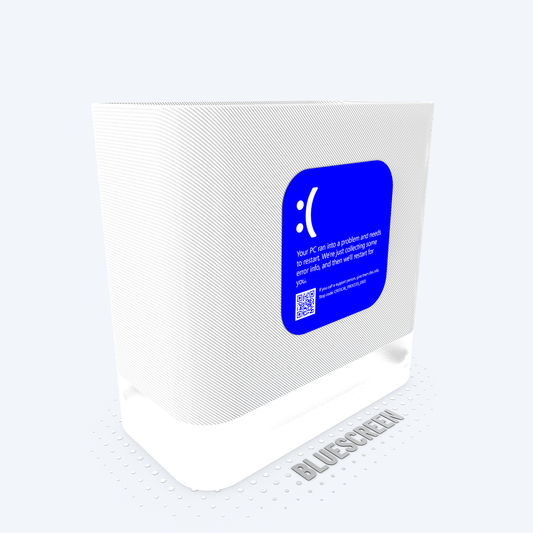
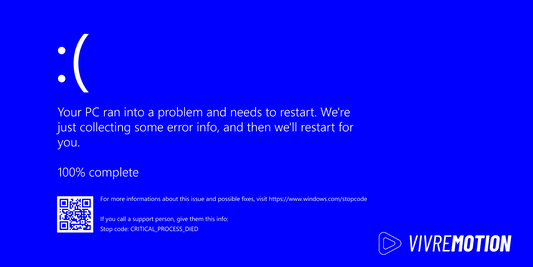
BLUESCREEN SIMULATOR for Windows
- Regular price
- € 0,00 EUR
- Regular price
-
€ 19,00 EUR - Sale price
- € 0,00 EUR
- Unit price
- per
 Sale
Sale -
Vendor:vivre-motion - VM-70009
PHANTOM MOUSE Stream Deck Plugin
- Regular price
- € 0,00 EUR
- Regular price
-
€ 19,00 EUR - Sale price
- € 0,00 EUR
- Unit price
- per
 Sale
Sale -
Vendor:vivre-motion - VM-70017
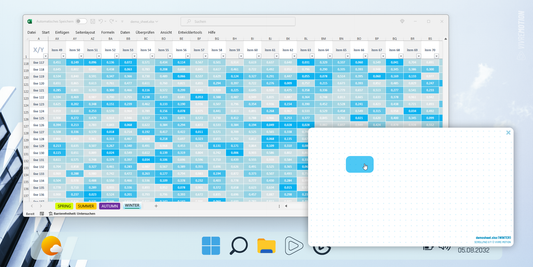
Excel X/Y ScrollPad Navigation for Windows | Stream Deck Plugin
- Regular price
- € 0,00 EUR
- Regular price
-
€ 19,00 EUR - Sale price
- € 0,00 EUR
- Unit price
- per
 Sale
Sale -
Vendor:vivre-motion - VM-70012
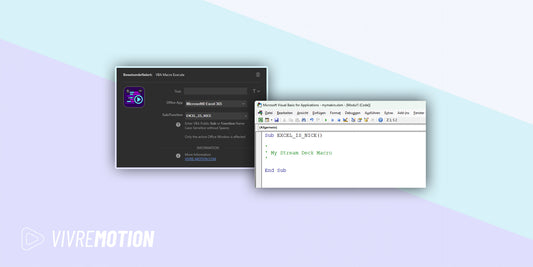
VBA Macro Execute for Windows | Stream Deck Plugin
- Regular price
- € 0,00 EUR
- Regular price
-
€ 19,00 EUR - Sale price
- € 0,00 EUR
- Unit price
- per
 Sale
Sale -
Vendor:vivre-motion - VM-70008
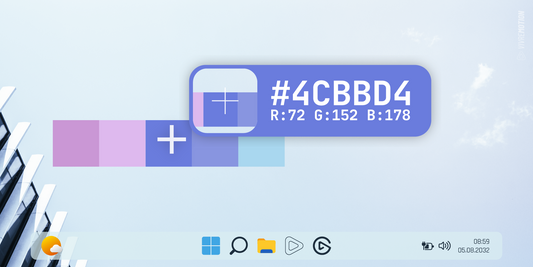
COLOR PICKER for Windows | Stream Deck Plugin
- Regular price
- € 0,00 EUR
- Regular price
-
€ 19,00 EUR - Sale price
- € 0,00 EUR
- Unit price
- per
 Sale
Sale -
Vendor:vivre-motion - VM-70052
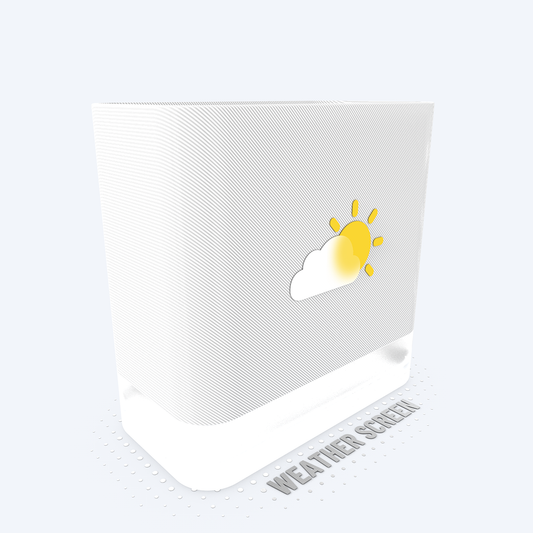
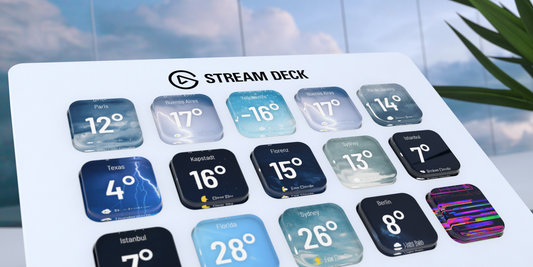
WEATHER SCREEN APP for Windows | Stream Deck Plugin
- Regular price
- € 0,00 EUR
- Regular price
-
€ 19,00 EUR - Sale price
- € 0,00 EUR
- Unit price
- per
 Sale
Sale -
Vendor:vivre-motion - VM-70003
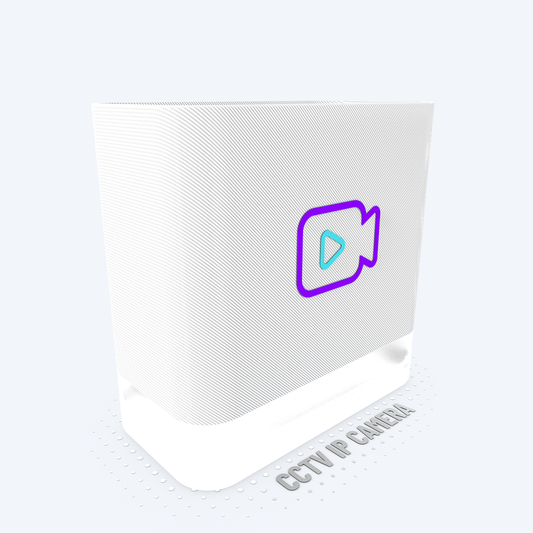
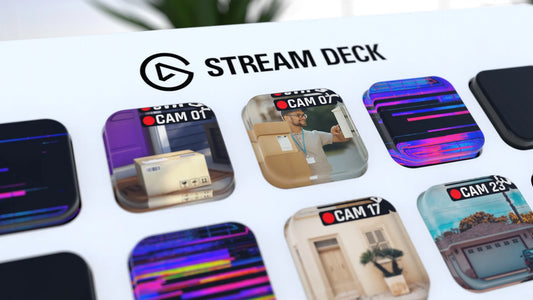
CCTV IP Camera Viewer for Windows | Stream Deck Plugin
- Regular price
- € 0,00 EUR
- Regular price
-
€ 19,00 EUR - Sale price
- € 0,00 EUR
- Unit price
- per
 Sale
Sale -
Vendor:vivre-motion - VM-70039
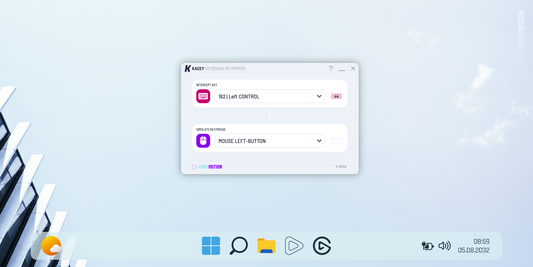
KACEY Keyboard Re-Mapper for Windows | Stream Deck Plugin
- Regular price
- € 0,00 EUR
- Regular price
-
€ 19,00 EUR - Sale price
- € 0,00 EUR
- Unit price
- per
 Sale
Sale -
Vendor:vivre-motion - VM-70059
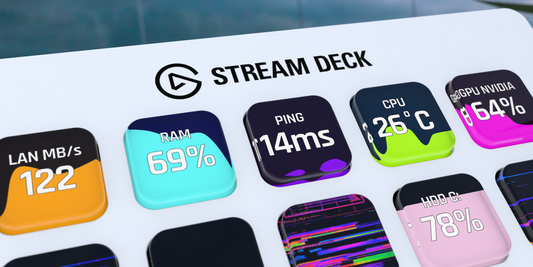
SYSTEM VITALS for Windows | Stream Deck Plugin
- Regular price
- € 0,00 EUR
- Regular price
-
€ 19,00 EUR - Sale price
- € 0,00 EUR
- Unit price
- per
 Sale
Sale
